
Mayo Clinic
Mayo Clinic had just gone through a comprehensive rebrand with TBWA. The overall vibe existed, but guidelines on paper and guidelines that actually work in the hands of dozens of designers and vendor partners are two very different things. My job was to bridge that gap.
As the Art Director, I oversaw the development of 100+ InDesign and PowerPoint template pages covering everything from brochures and newsletters to bannerstands, ads, emails and social media. The goal wasn't just to make things look right; it was to make a system that anyone, internal team or outside vendor, could pick up and use without guessing.
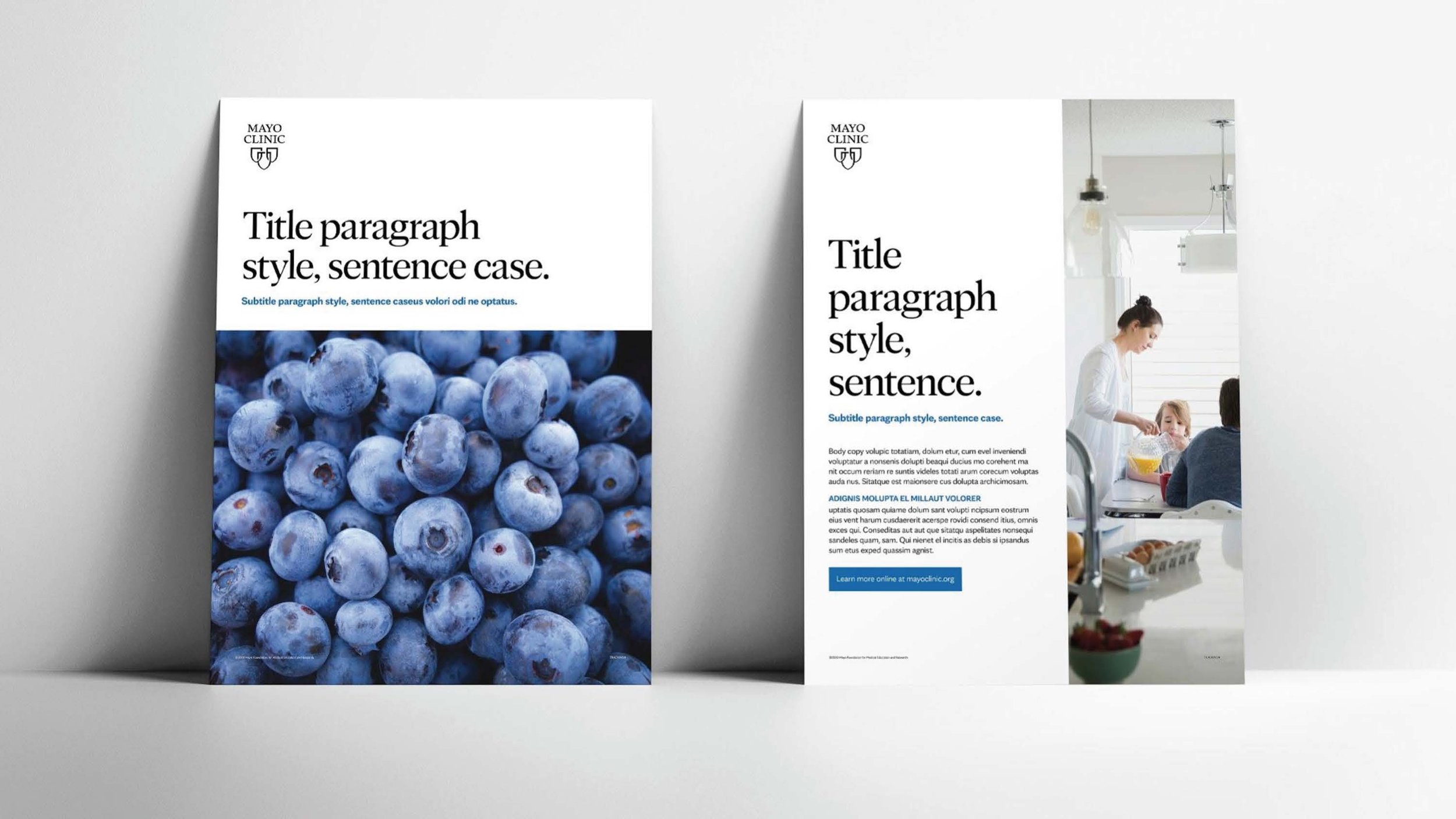
One thing I noticed early in the examples was a deliberate use of negative space I didn't want to lose in translation. I built the templates on a six-column grid with a rule that kept two-thirds for copy and the remaining columns for imagery and less copy-dense elements. That decision made the templates feel considered, not just functional.
The result was a plug-and-play system that scaled across Mayo's entire communications footprint—and one I ultimately presented to their internal creative team to walk ADs and designers through how actually to use what we built.

These templates were meant for designers at Mayo Clinic and also external agency partners that are tapped to create collateral.

Something I noticed when looking at the initial guidelines was the use of negative space which I didn’t want to lose when creating our templates. Based on a six-column grid, I instilled a rule around using two-thirds columns for copy and the final columns for imagery, captions and less copy dense aspects.


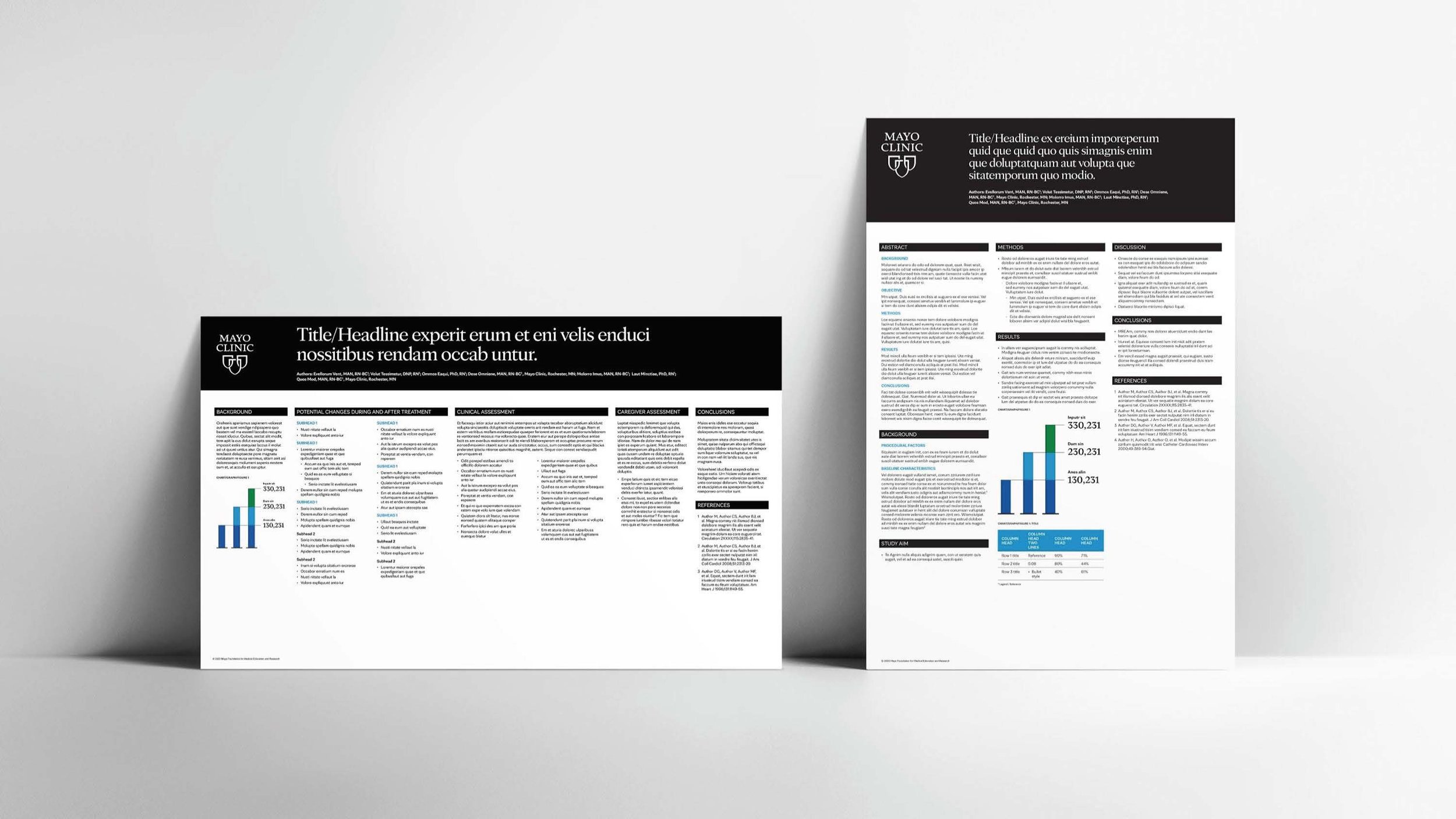
Once the hierarchy and general look was in place, it was more about generating all of the different applications so our team could give people everything they might need to develop a quicker and more efficient collateral piece no matter the content.

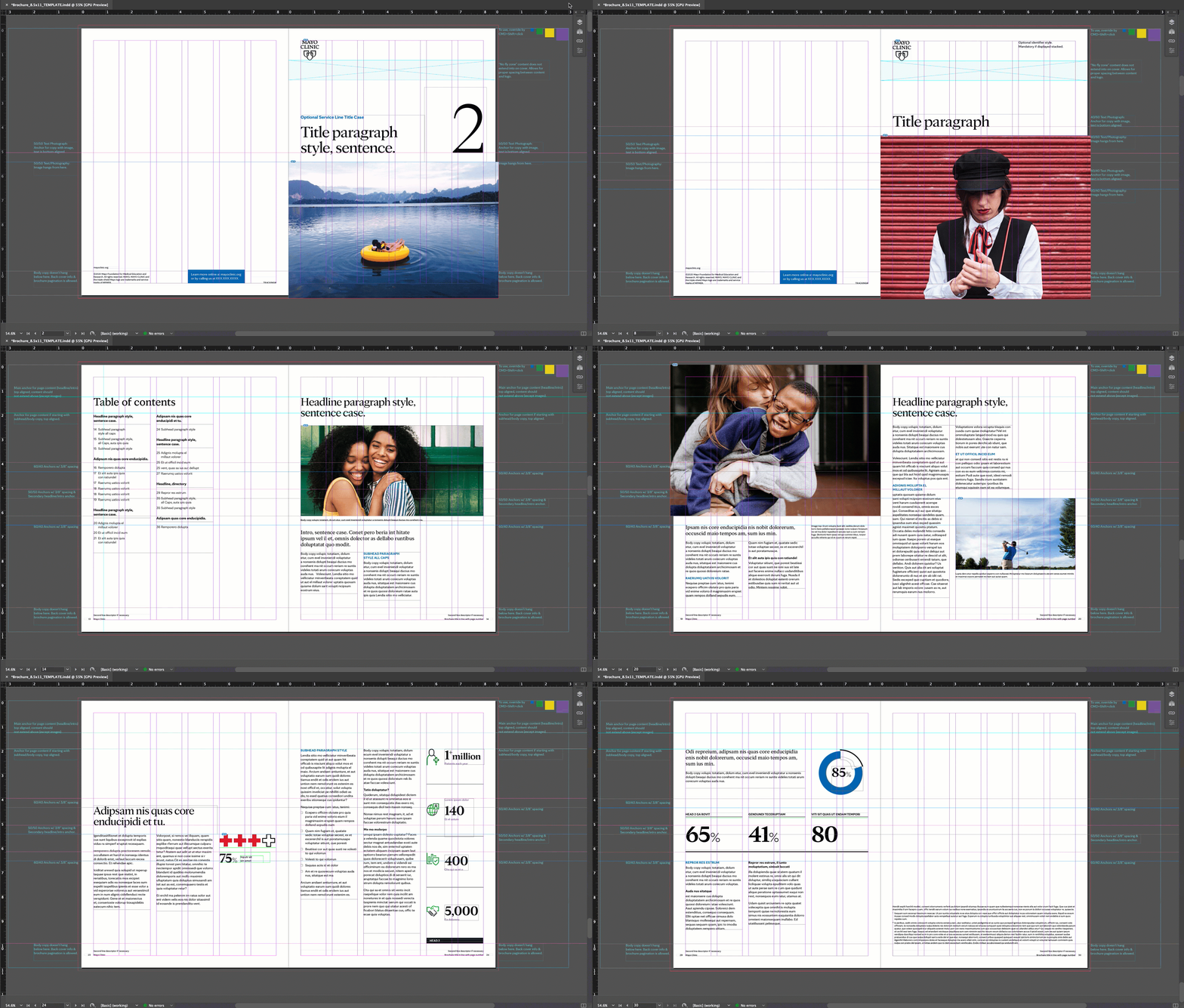
An inside look at the InDesign template and how robust they were built out for easy plug and play.

These guidelines were built for numerous aspects of the brand. A how-to for using the print templates among others.

PowerPoint template usage guide.

Ad template usage guide.

This document outlines Mayo’s masterbrand approach and the structure of organizations within it.
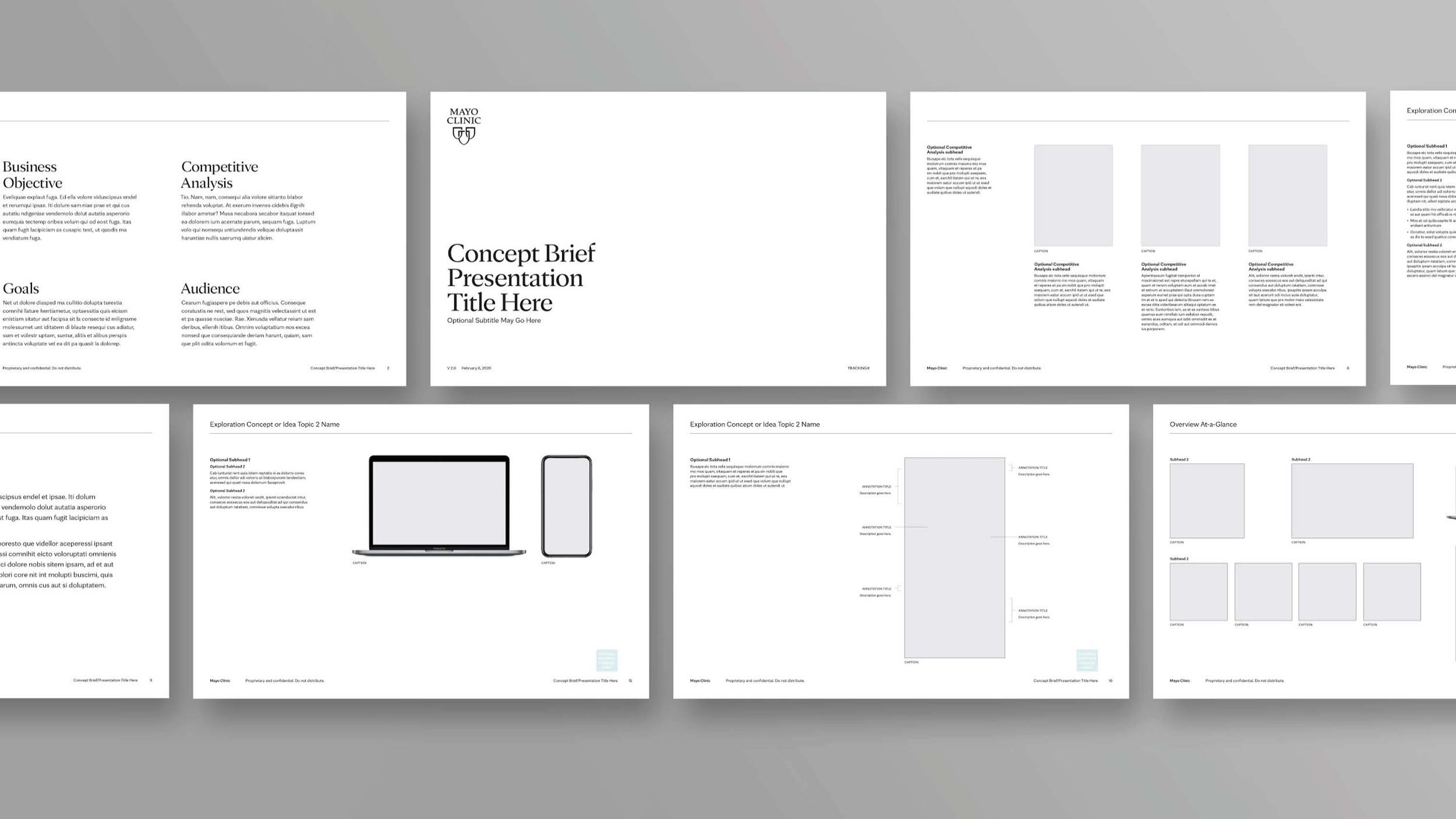
This template is meant for internal and external use when presenting concepts to internal teams.
Agency: McGuffin Creative Group